
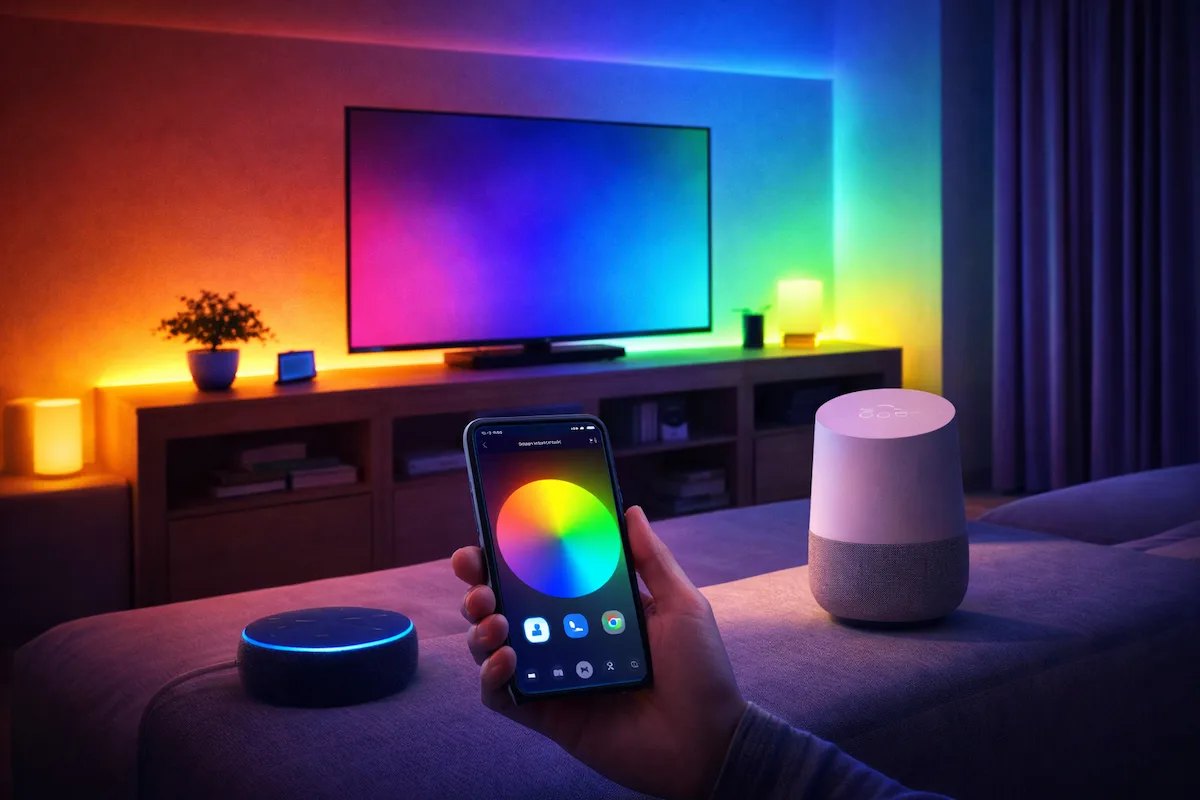
There is something undeniably satisfying about walking into a room and having the lights respond to your voice. It’s one of those small modern luxuries that actually makes life easier, especially when your hands are full or you’re already tucked into bed. If you’ve just installed your LED strips, the next logical step is getting them to talk to your smart home ecosystem.
Here is how to get your Lumiflex setup synced and automated.
1. The Bridge: Your Wi-Fi Controller
Before Alexa or Google can do anything, your lights need a way to connect to the internet. This happens through your LED controller. Most modern controllers use an app (like Tuya, Smart Life, or a dedicated brand app). Once your controller is wired to your lights and powered on, you’ll need to pair it with the app on your phone. Make sure your phone is on a 2.4GHz Wi-Fi network during this step, as most smart controllers don’t play well with 5GHz bands.
2. Linking the “Skill”
Open your Alexa or Google Home app. You aren’t looking for the “light” yet; you’re looking for the Skill or Service that matches your controller’s app.
- For Alexa: Go to More > Skills & Games and search for your app name.
- For Google: Tap the “+” icon > Set up device > Works with Google.Once you sign in and authorize the link, your smart assistant will “discover” your LED strips automatically.
3. Name Your Lights Strategically
In the app, you’ll be prompted to name your device. Avoid being overly creative here. If you name them “Neon Dreams,” you might feel silly saying that out loud every night. Stick to simple, functional names like “Bedroom Lights,” “Under Cabinet,” or “TV Glow.” This makes voice recognition much more reliable.
4. Set Up an Automated Sunset Routine
The best kind of smart lighting is the kind you don’t have to talk to at all. Both Alexa and Google allow you to create “Routines.”
- Set a trigger for “Sunset.” * Add an action to turn your LED strips on at 30% brightness with a Warm White color.Now, as the natural light fades outside, your home will automatically transition into a cozy evening vibe without you lifting a finger.
5. Custom Voice Commands
Don’t settle for just “On” and “Off.” You can create routines for specific moods. Try setting a command like “Alexa, movie time,” that dims the main ceiling lights to zero and sets your LED strips to a deep dark blue or red. It’s a total game-changer for your viewing experience.